
Multitrack Drum Editing: Tighten Timing Without Losing the Kit
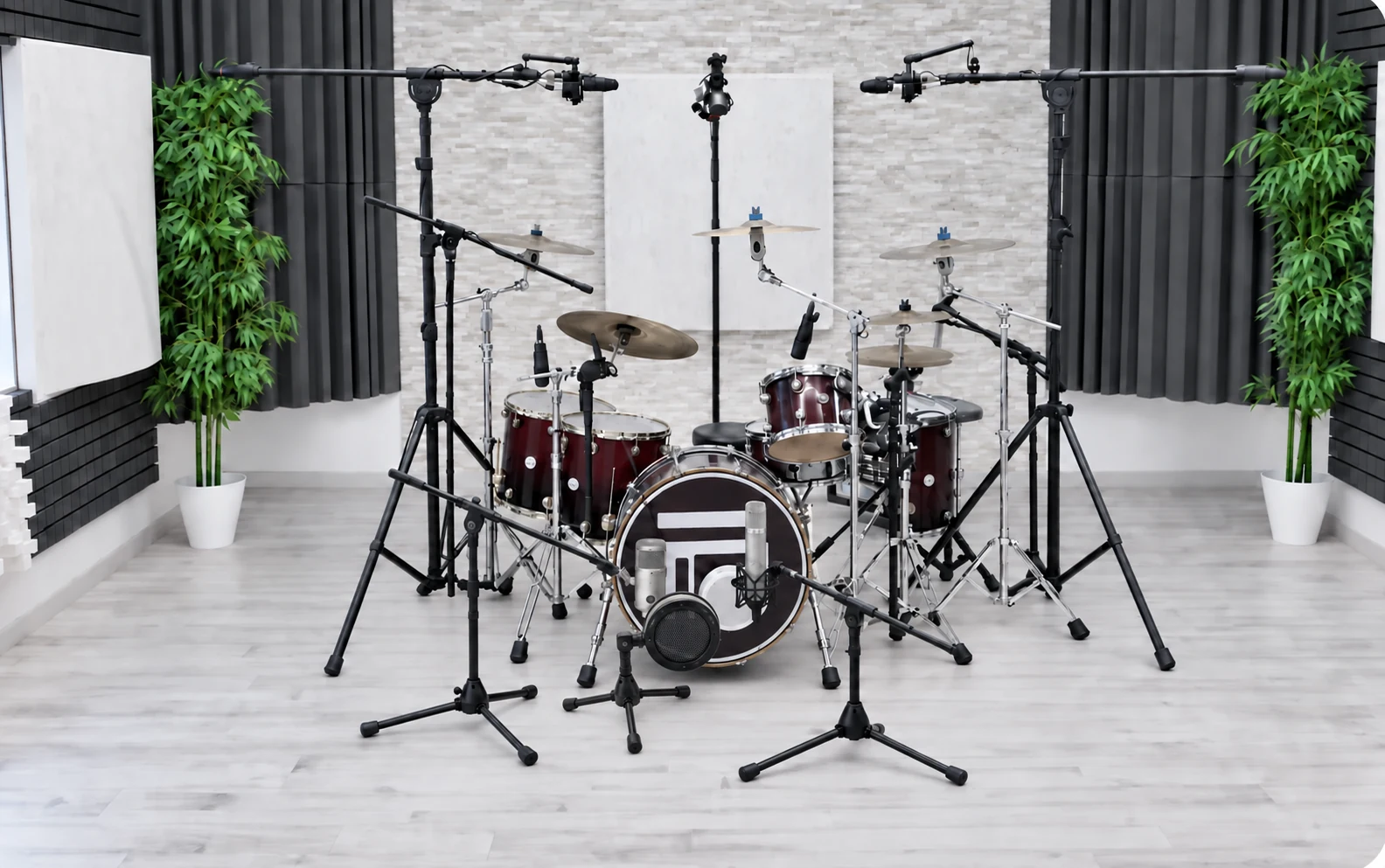
A drum take can feel right overall and still contain a transition you want to tighten. Before moving a snare hit, decide what needs to improve: the entrance after a fill, the relationship with the bass, or the pulse across a whole section. That decision gives multitrack drum editing a musical purpose.
Treat the recording as one performance captured from several perspectives. A close microphone, an overhead and a room microphone may all contain the same hit. Changing its position in only one track changes how those recordings combine. A tidy-looking waveform is therefore only part of the decision.
Start with a musical diagnosis
Listen to the problem passage with the bass and the rest of the arrangement. Then compare it with the surrounding bars. Is one entrance distracting, or is the whole section deliberately relaxed? Write a short instruction such as “make the return from the fill feel settled”. This is more useful than an automatic decision to move every hit to the grid.
Keep an untouched session version and mark the passages you intend to test. If you are unsure whether a change helps, retain both versions and compare them in context. The aim is a convincing phrase, with the character of the original performance still available.
Check what your group actually controls
A group name does not tell you whether edits are linked. In Logic Pro, Apple distinguishes Editing (Selection) from Quantize-Locked (Audio): the latter controls phase locking during audio quantization. Check the relevant options before working on a copy. See Apple’s Group Settings documentation.
For an initial test, make a reversible edit in a short passage and inspect every microphone track from that performance. Include the overheads and room tracks when present. Check that the intended material participated before extending the operation. Do not assume that linking faders also links timing edits.
Use a clear timing reference
Apple’s multitrack drum guide recommends selecting suitable Q-reference tracks, usually kick and snare, and checking the detected transients. Those tracks guide the group’s timing correction. The reference choices and detection need to reflect the part being edited; consult the full procedure before applying it.
As an editorial listening exercise, compare one adjusted transition with the original while the bass and vocal are playing. Then listen through the following phrase. If the entrance is tidier but the groove becomes less convincing, reconsider the target or keep the original. This is a listening decision, not a universal quantization setting.
Distinguish linked edits from linked time stretching
In Nuendo, Group Editing and Phase-Coherent AudioWarp have distinct roles. Steinberg documents matching event boundaries for group selection and additional requirements for coherent warping, including equal event starts and lengths and matching warp-marker positions. Read any warning before proceeding; the manual explains the preparation required.
This distinction matters when choosing a workflow. Moving a passage and stretching its internal timing are different operations. Check the manual for your DAW and version, and test the operation you actually plan to use. A successful group selection alone is not proof that every later processing step will preserve the intended relationship.
Review the result as a performance
Compare the edited and original versions at the same monitoring level. Listen for the return from fills, the weight of the backbeat and the continuity of cymbal decays. Use solo to investigate an edit, then return to the whole kit and the full arrangement. Inspect boundaries if you hear a click, a sudden change or an unexpected double attack.
Before handing the session on, identify the approved version and keep the original recoverable. Tell the mix engineer what was changed and where. A short note explaining the musical aim is more helpful than an unexplained folder of alternatives.
Plan the recording and the editing separately
Toni Mateos’ service delivers multitrack WAV files at the sample rate and bit depth required by the client’s project. Confirm the editing scope when arranging your session rather than assuming a particular correction process is included. Explore the remote custom drum tracks service to discuss the recording your song needs.